> ## Documentation Index
> Fetch the complete documentation index at: https://legacydocs.waveterm.dev/llms.txt
> Use this file to discover all available pages before exploring further.
# Introduction
> Welcome to the legacy version of Wave Terminal
As of September 2024, this version of Wave Terminal is deprecated. To learn more about our new version (>=v0.8.0), check out [www.waveterm.dev](https://www.waveterm.dev). To find documentation for our new version, check out [docs.waveterm.dev](https://docs.waveterm.dev).
 ## Wave Features
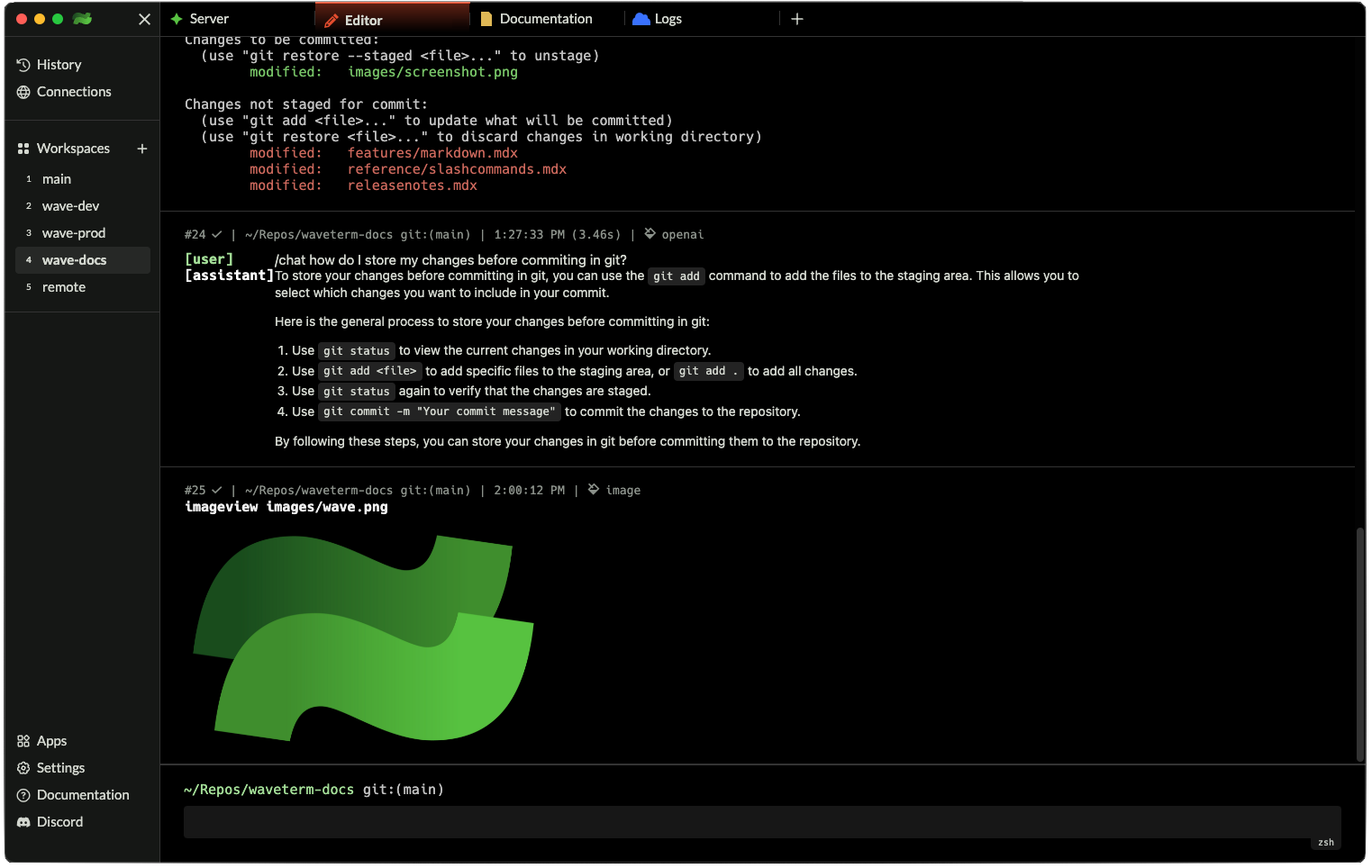
Wave Terminal has lots of rich features, learn more here
Add flair to your terminal with personalized branding.
Make the most of Wave's persistent, context rich history.
Use Wave to log into remote machines.
Use Wave to preview images files directly in the terminal.
## Wave Features
Wave Terminal has lots of rich features, learn more here
Add flair to your terminal with personalized branding.
Make the most of Wave's persistent, context rich history.
Use Wave to log into remote machines.
Use Wave to preview images files directly in the terminal.