> ## Documentation Index
> Fetch the complete documentation index at: https://legacydocs.waveterm.dev/llms.txt
> Use this file to discover all available pages before exploring further.
# History
> Make the most of persistent, context rich history
As of September 2024, this version of Wave Terminal is deprecated. To learn more about our new version (>=v0.8.0), check out [www.waveterm.dev](https://www.waveterm.dev). To find documentation for our new version, check out [docs.waveterm.dev](https://docs.waveterm.dev).
## Introduction
Navigating your command history efficiently is crucial for productivity in any terminal environment. Wave's advanced history features allow you to seamlessly access and manage your past commands not just within the current session but across all workspaces and devices.
## History for Current Tab (CTRL + R)
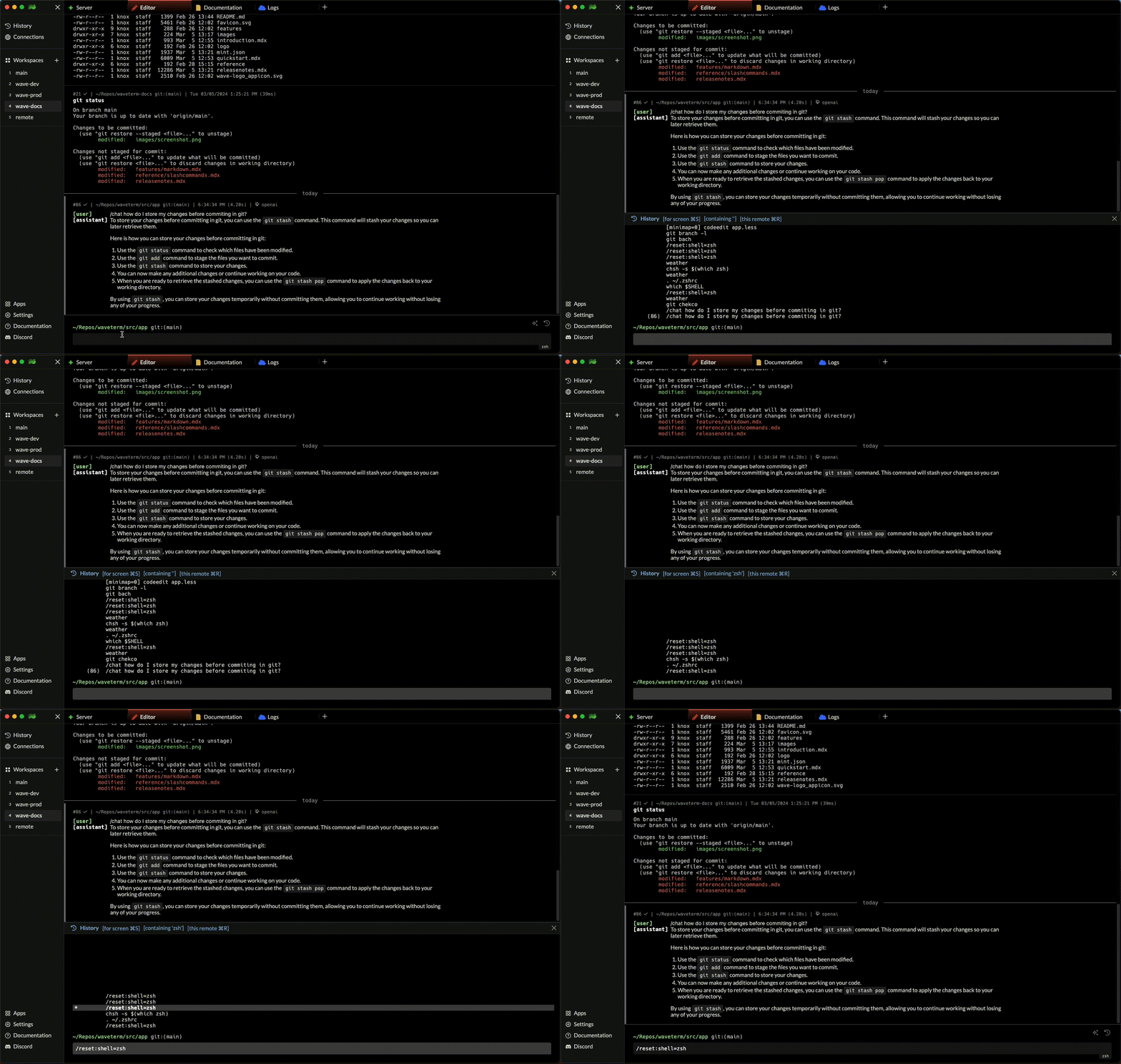
To access the command history specific to your current tab, you can utilize the `CTRL + R` shortcut. This action opens a history search mode where previously executed commands in the current tab are available. Simply start typing to filter through the command history based on your input, and use the Up and Down Arrow keys to navigate through the filtered results.
Users can also easily toggle history for the current tab, current workspace, or globally by using the `CMD + S` shortcut while using the using this feature.
 ## History for All Tabs and Workspaces (CMD + H)
For a more extensive search across all remotes, tabs, and sessions, use the `CMD + H` shortcut. This powerful feature brings up a global history search, allowing you to access any command you've previously run, regardless of the tab or workspace it was executed in. Similar to the tab-specific history search, you can filter through your entire command history with ease.
Additionally, Wave provides filters to narrow down your search to include commands from all remotes, the current session, or your entire global history, enhancing your ability to quickly find and reuse complex commands.
## History for All Tabs and Workspaces (CMD + H)
For a more extensive search across all remotes, tabs, and sessions, use the `CMD + H` shortcut. This powerful feature brings up a global history search, allowing you to access any command you've previously run, regardless of the tab or workspace it was executed in. Similar to the tab-specific history search, you can filter through your entire command history with ease.
Additionally, Wave provides filters to narrow down your search to include commands from all remotes, the current session, or your entire global history, enhancing your ability to quickly find and reuse complex commands.
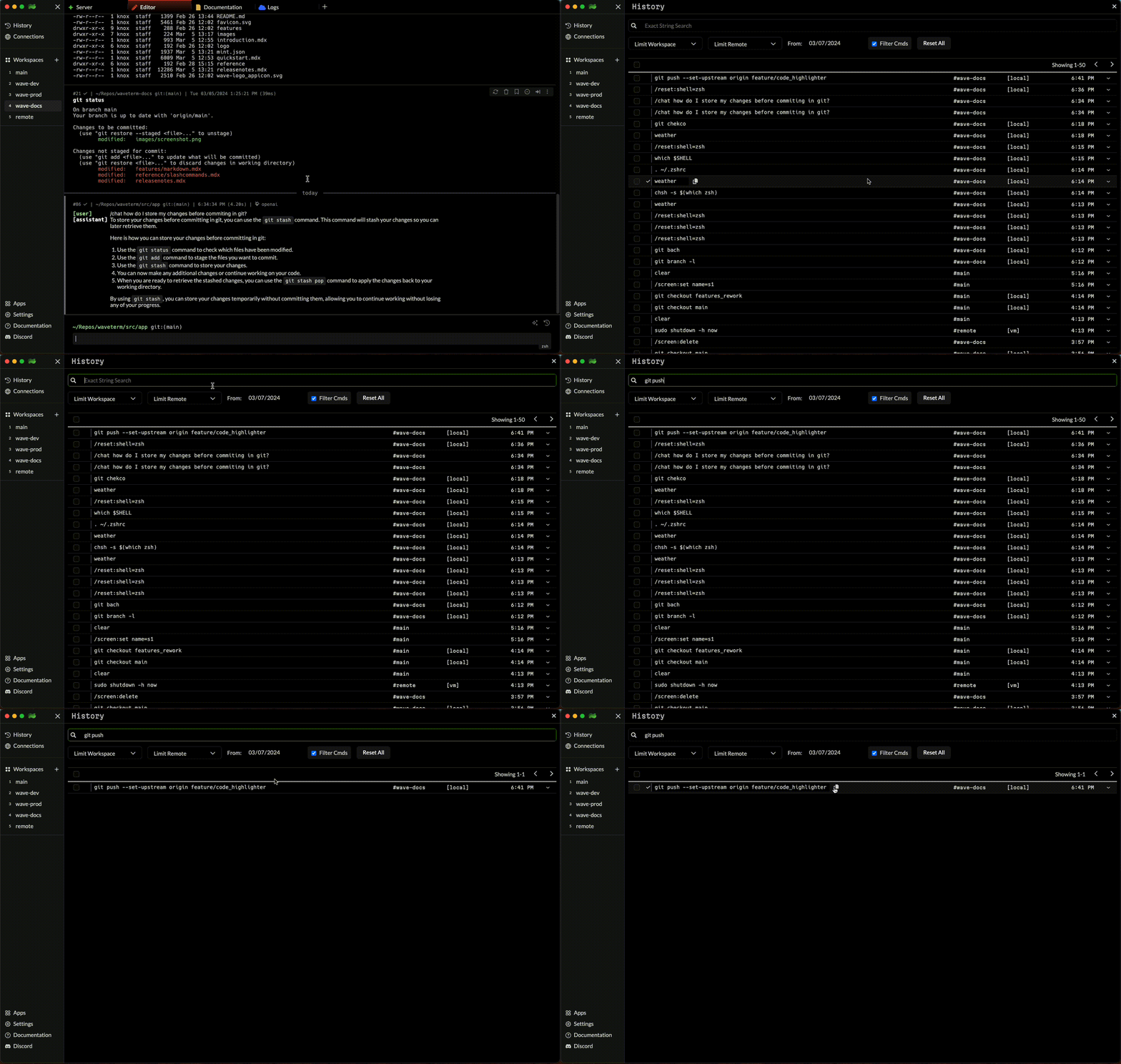 Wave's commitment to improving command line efficiency is evident in its robust history features. By storing metadata for each command—including the working directory, status code, duration, time, and associated remote—Wave ensures that every command you need is just a few keystrokes away, complete with the context you need to use them effectively.